Services can be substituted allowing for a service in a booking to be substituted for another services. This can occur within a booking, or within an assignment. The same result is achieved if the service was deleted in a booking and another service inserted in its place.
Substitute Services
-
From the Home menu, select
 Home > Operations > Service Operations > Resource Assignment.
- Click the Home Menu to expand it:

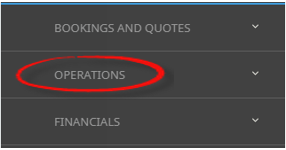
- Click the Operations menu option to expand it:

-
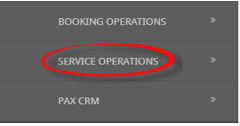
Click Service Operations menu option to expand it:

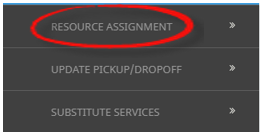
- Click Resource Assignment to open the Resource Assignment screen:

- Click the Home Menu to expand it:
- Expand the Resource Assignment Filters by clicking the - Select the required filters to narrow the results of the resources already assigned.If you want to keep the changes, clickOK.


- A list of existing Resource Assignments results will be returned and selection can be made by clicking on the Resource Assignment line.
-
On the Edit Assignment screen select the Services Tab, highlight the booking and clickSubstitute Services.

-
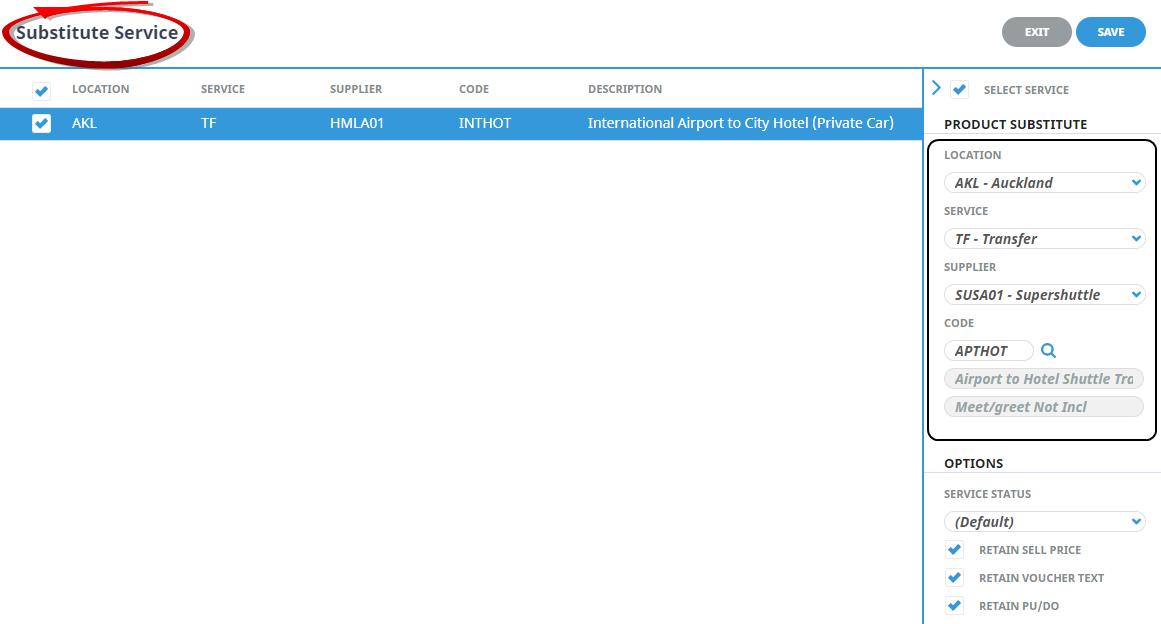
TheProduct Substitute service screen will open, select the service using the check box next to the required service, and select a new substitute product Location, Service, Supplier, and (Product) Code.
NOTE: The product description and comment field (if used) will populate in the grey fields below the code field if the product exists.
-
Keeping with theSubstitute Services screen, select a Service Status, and use the check boxes to select the required options if you want the substitute service to; Retain (the original) Sell Price, Retain (the original) Voucher Text, or Retain (the original) Pick up/Drop off details.
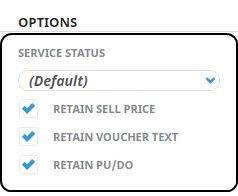
- Check the completed screen.
-
ClickSave to keep the changes.

-
ClickExit to discard any changes.

- If Save was selected a Summary of Substitute Services will display with the Number of Successful Operations, click OK to clear the screen.
About Filter Headings
All Assignments Within
A date or range of dates can be entered to filter for a specific date or range of dates.
NOTE: Assignment Category - This field is enabled if organisations are using multiple categories to assign their services to more than one assignment.
Assignment Name
The name given to the assignment, results can locate specific assignments by name.
Assignment Status
Specific assignment status can be selected from a pre-defined list of status providing results for specific statuses.
Allocated Vehicles, Drivers and Guides
Drop down selection of available resources can be selected here, and any pre-selected resources will display, results can be filtered by Vehicle, Driver and or Guide.
Booking Name
Individual clients can be found by using the booking name filter.
Branch/Department
Bookings with specific booking branch or booking department can be found when filtering by Branch or Department.
Agent
Users can filter assignments by agents attached to bookings.
In this example we have narrowed the search by selecting a specific date, the name of the assignment, the status of the assignment, and we have even defined the vehicle and driver.
It is not necessary to define as many filters as we have in the example.

The more filters used the fewer results will be returned.
About Result Columns
Start Date/End Date
Assingnment start/end date and time.
Name
The name given to the assignment.
Assignment Type
Single Task, Independent Service, or Hop on Hop off.
Assignment Status
Specific assignment status for the assignment.
Pax
Number of pax included in the assignment.
Bookings
Number of bookings included in the assignment.
Allocated Drivers, Vehicles and Guides
Resources assigned.